Phoenix Code 5.1: AI, Design Mode & More






Phoenix Code 5.1 is now available at phcode.io.
This release brings AI into the editor with Claude Code, a new Design Mode for visual editing, a rich Markdown editor, a built-in terminal, responsive device previews, a rebuilt Linux app, and a fresh new look with the Phoenix Neo themes.
Try ideas, build pages, and fix issues with AI
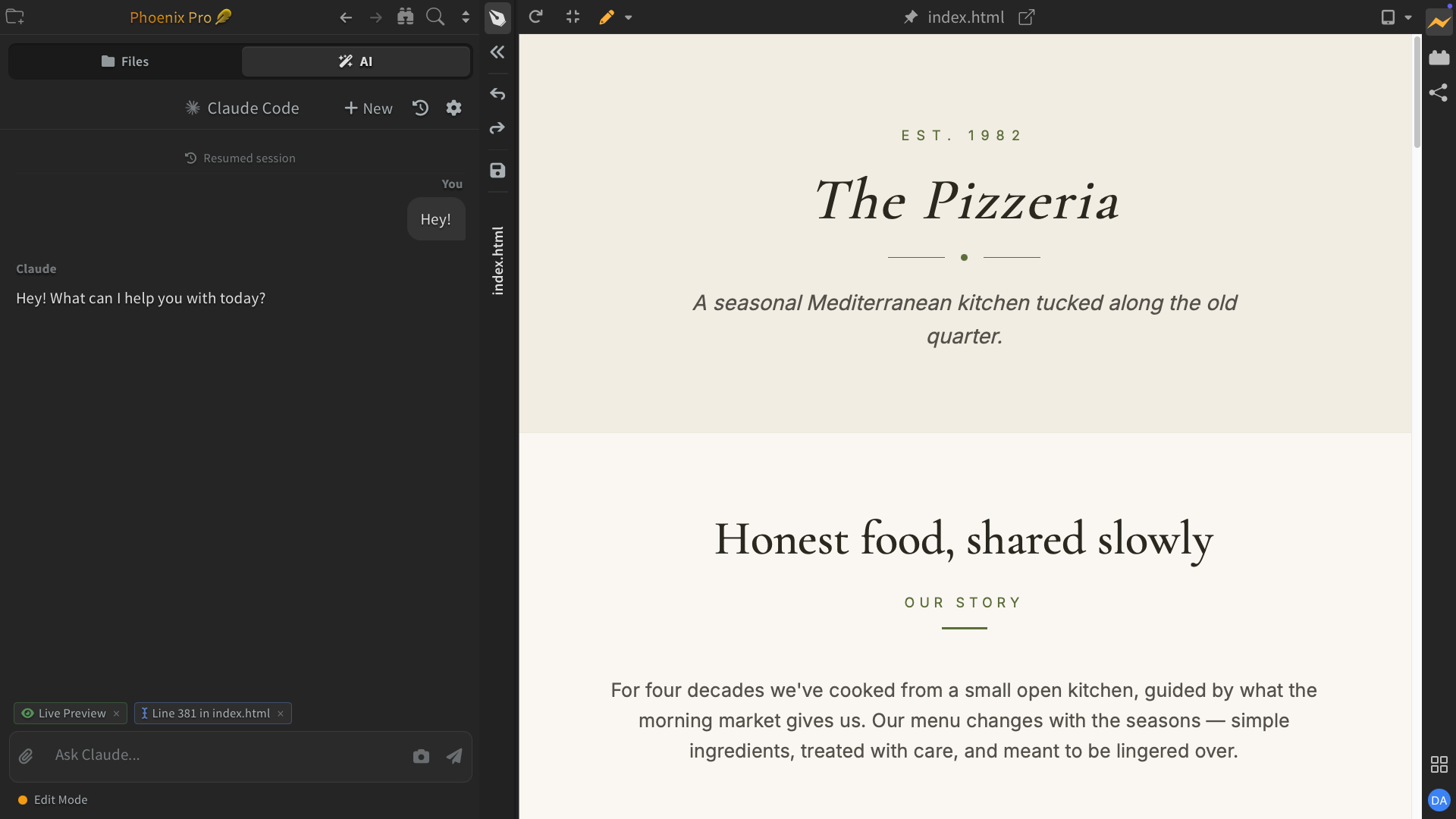
Phoenix Code now includes an AI assistant powered by Claude Code. It can write code, fix bugs, design your page, and a lot more. You can also attach images, files, and folders to your prompt. Switch between different modes: Plan, Edit, and Full Auto, based on your needs. Read More...
Design Mode
Focus fully on your content while your code stays out of the way. Work side by side with AI and Live Preview. Edit content visually, whether you're building web pages or Markdown documents. Read More...
Rich Markdown Editor
Edit Markdown like a document in Live Preview. Format text, edit tables, and it’s easy to add images - just paste or pick one from your device, like in Google Docs or Word.
An easier way to create Markdown files that you can share with others. Read More...
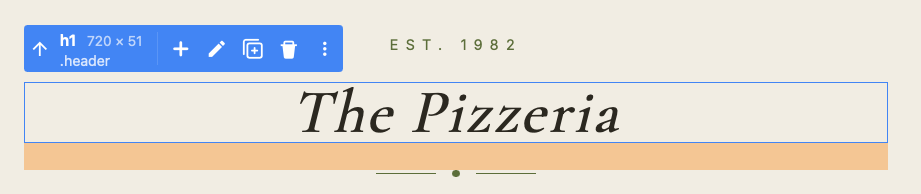
Live Preview Edit Upgrades
Live Preview Edit just got a major upgrade. You can format text with bold, italics, and more. Add new elements and update tags, classes, and attributes, all directly in Live Preview. Read More...
View your page at any device size
Now you can quickly see how your page looks at different device sizes right inside Phoenix Code with a single click.
Phoenix Code also picks up your CSS @media breakpoints so you can jump straight to where your layout switches. Read More...
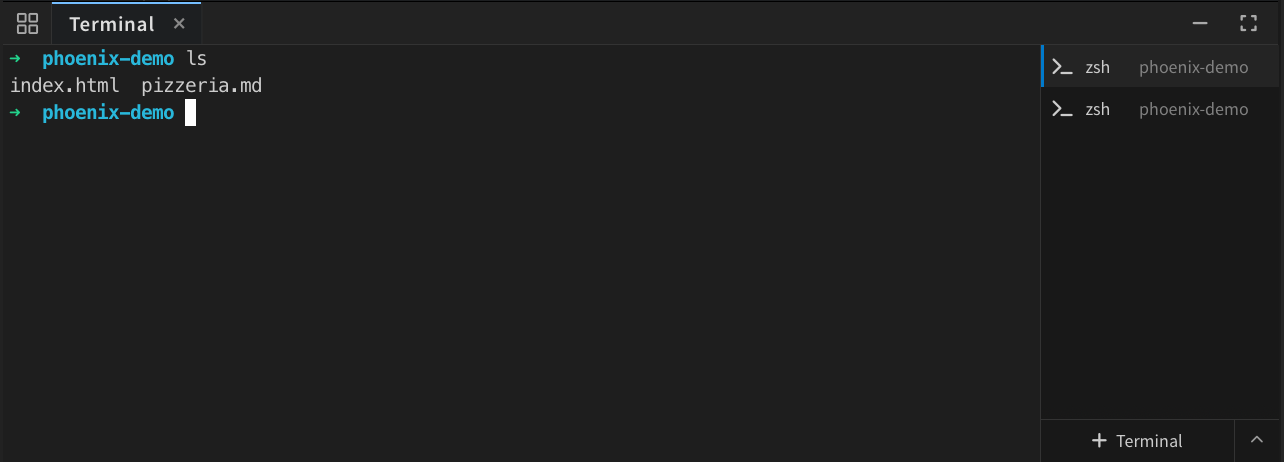
Built-in Terminal
Phoenix Code now has a built-in tabbed terminal, so you can run commands right next to your code without switching windows. It supports your preferred shell and works across all supported platforms. Read More...
New Linux Platform
Phoenix Code for Linux has been rebuilt from the ground up.
The previous Linux app was harder to install and didn’t match the experience we wanted to deliver. We heard that feedback loud and clear. This release is powered by a brand-new Linux platform, bringing faster performance, easier installation, and a desktop experience that now stands alongside Windows and macOS.
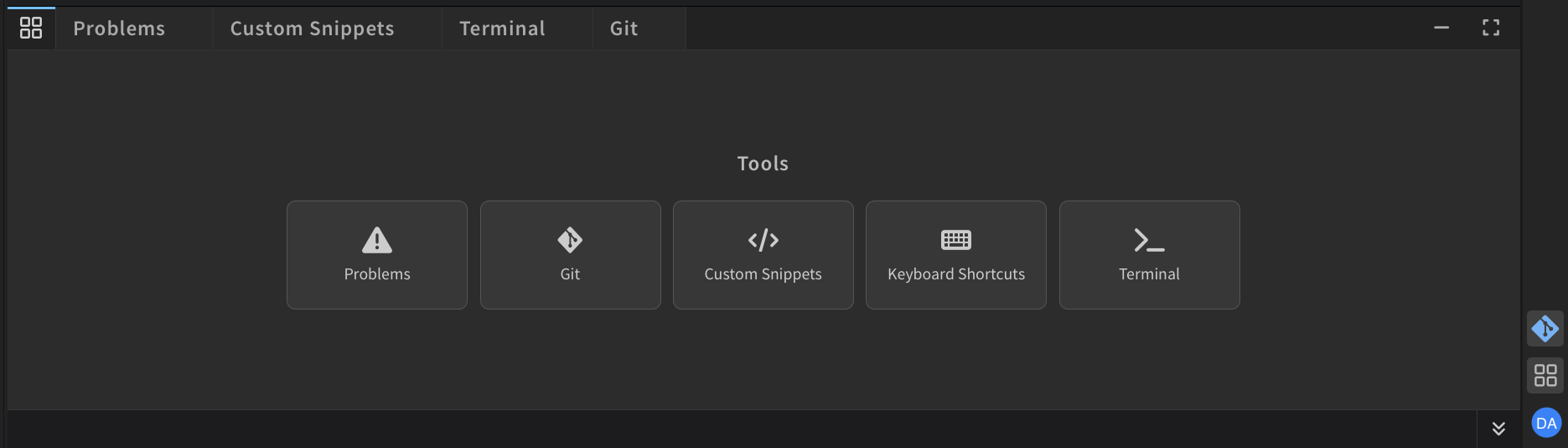
All Your Tools, One Place
We've changed how the Bottom Panel works to make it easier to access all your tools with a new tools drawer interface. Git, Terminal, Problems, and more are now all in one place. You can switch between them instantly or open multiple tools at once. Read More...
Phoenix Neo Themes
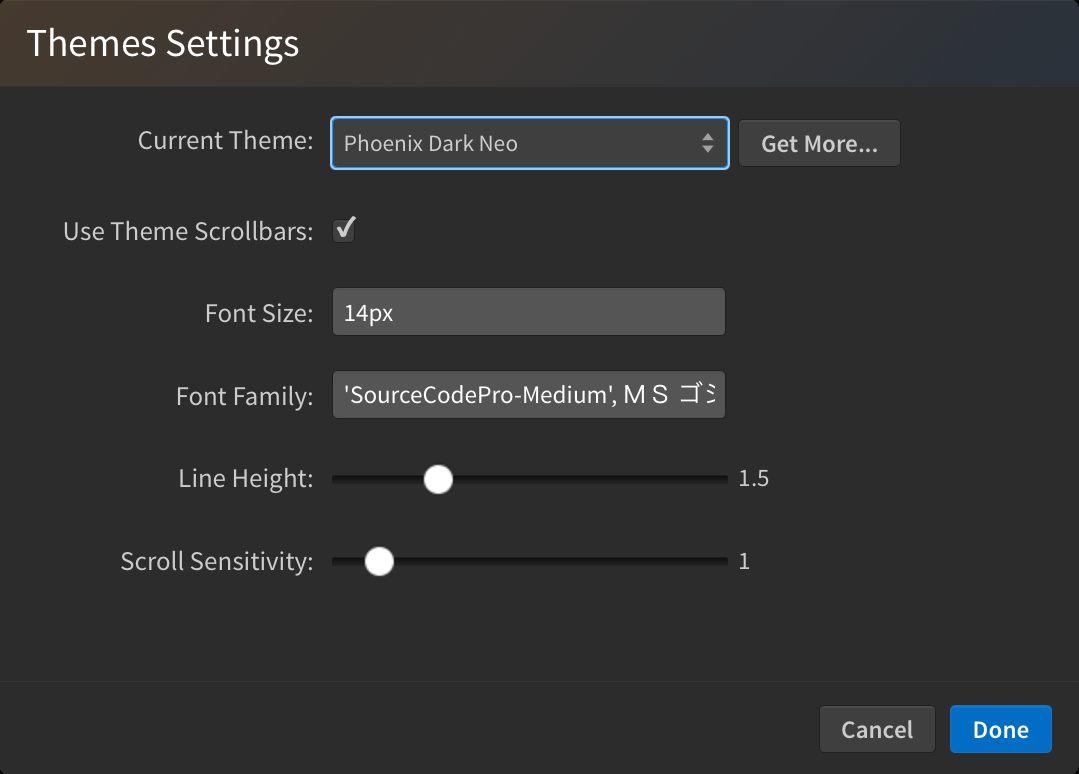
Meet Phoenix Dark Neo and Phoenix Light Neo, the redesigned default themes with a cleaner, modernized look.
Switch between them anytime from View > Themes.... Read More...
Notable changes and fixes
- Prevented an out-of-memory crash that could occur while indexing very large projects — Phoenix now detects binary files and caps its index cache so big repos stay smooth. (#2801)
- Phoenix now recovers gracefully from a corrupted local database instead of crashing on startup. (#2782)
- Fixed a reflected XSS issue on the "browser not supported" page. (#2851)
- Fixed
File > Quitnot closing multi-window sessions on the desktop app. (#2639) - Fixed a thin white line at the edges of Live Preview. (#2855)
- Fixed a modal overlay that could remain on screen when dialogs opened in quick succession. (#2789)
- Fixed Find in Files button placement when the input boxes were empty. (#2680)
- Fixed an issue where some pro trial users were being signed out early. (#2658)
Performance & Stability
- Sidebar layout is now preserved across hide and show, making expansion feel near-instant. (#2834)
- Fixed a race condition during Live Preview load that could cause a stale page to overwrite a fresh one. (#2668)
- Tightened Live Preview document handling and reduced editor event leaks. (#2671)
- Improved Live Preview edit performance for larger pages. (#2793)
- Smoother scrollbar behavior in the sidebar. (#2726, #2727)
Platform Notes
Linux
- The desktop app is now built on a Chromium-based renderer, replacing the previous WebKit2GTK build (which was painfully slow). It ships as a single AppImage that runs across most major distributions, and now supports auto-update, bringing it to parity with macOS and Windows. (#2635, #2637, #2651)
macOS
- Avoided the Xcode "git install" dialog popping up at startup on Macs without git. (#2662)
- Fixed new-window dimensions being slightly off due to inner/outer measurement mix-up. (#2720)
Windows
- Fixed window size jumping when opening a new window from
File > New Window. (#2723)
All changes
Please see this link for a full list of changes in GitHub.
A Request from the Phoenix Team:
- Share your feedback: https://github.com/orgs/phcode-dev/discussions
- Spread the word about Phoenix to friends and colleagues.
With gratitude,
The Phoenix Team